Add your reference material
Bring your résumé, project notes, and documents into your local library.
 Tracy Talk
Get AI speaking cues based on your notes on Mac. Read and rehearse scripts on iPhone or iPad, even offline.
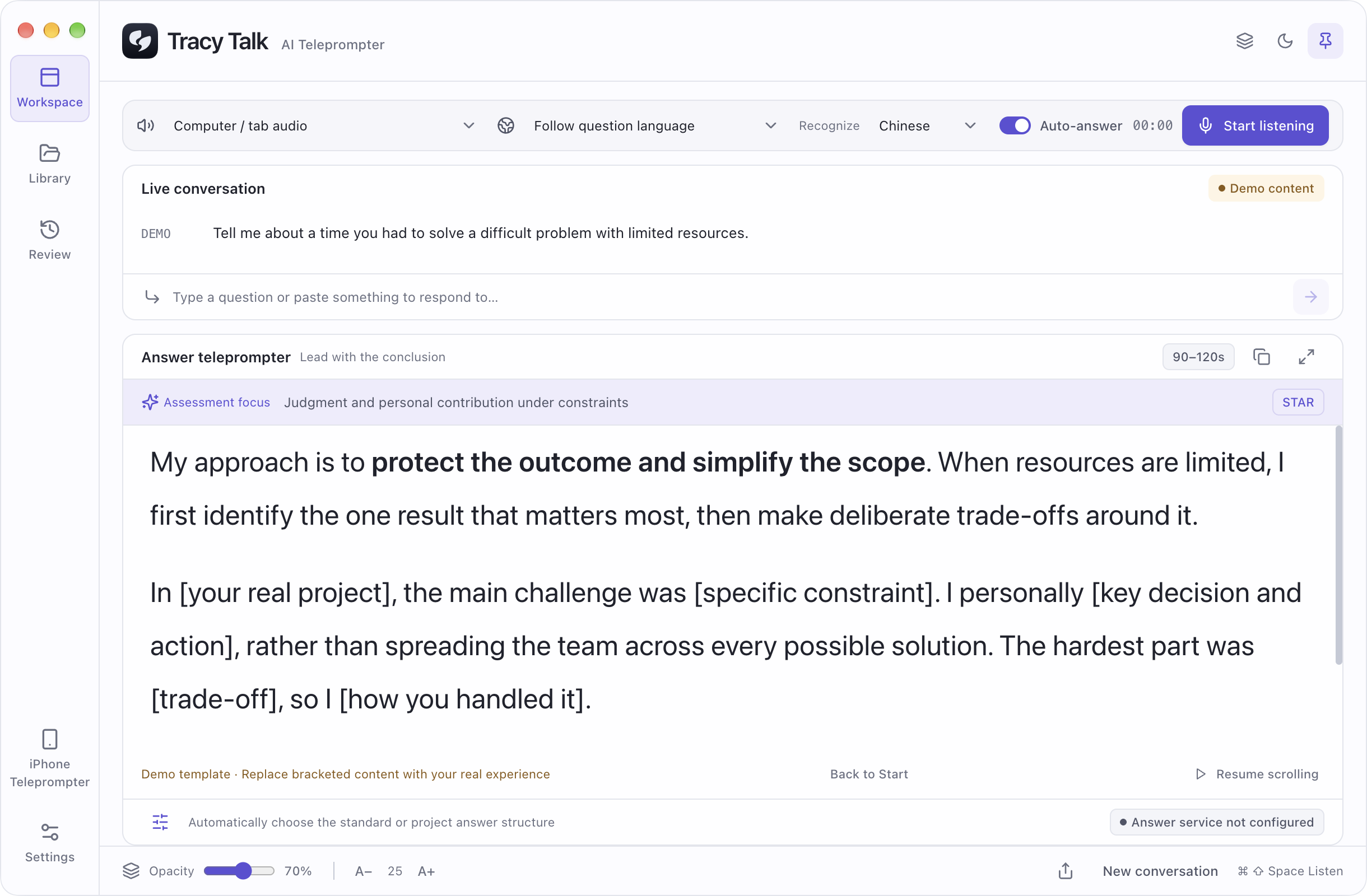
See how a question becomes a few useful talking points. These examples are prewritten, so you can explore without connecting an AI service.
“How do you handle a project with limited resources?”Sample scenario
I start by deciding what we need to achieve—and what can wait.
Add the material you know. Get help organizing it into an answer you can use.
Bring your résumé, project notes, and documents into your local library.
Type a question or use speech recognition. Your connected AI service draws on relevant material to suggest an answer.
Adjust the text size and scrolling to suit you. Revisit saved conversations when you want to practice again.
Requires your own supported AI account or API key. AI and cloud speech services may have separate fees and usage limits.
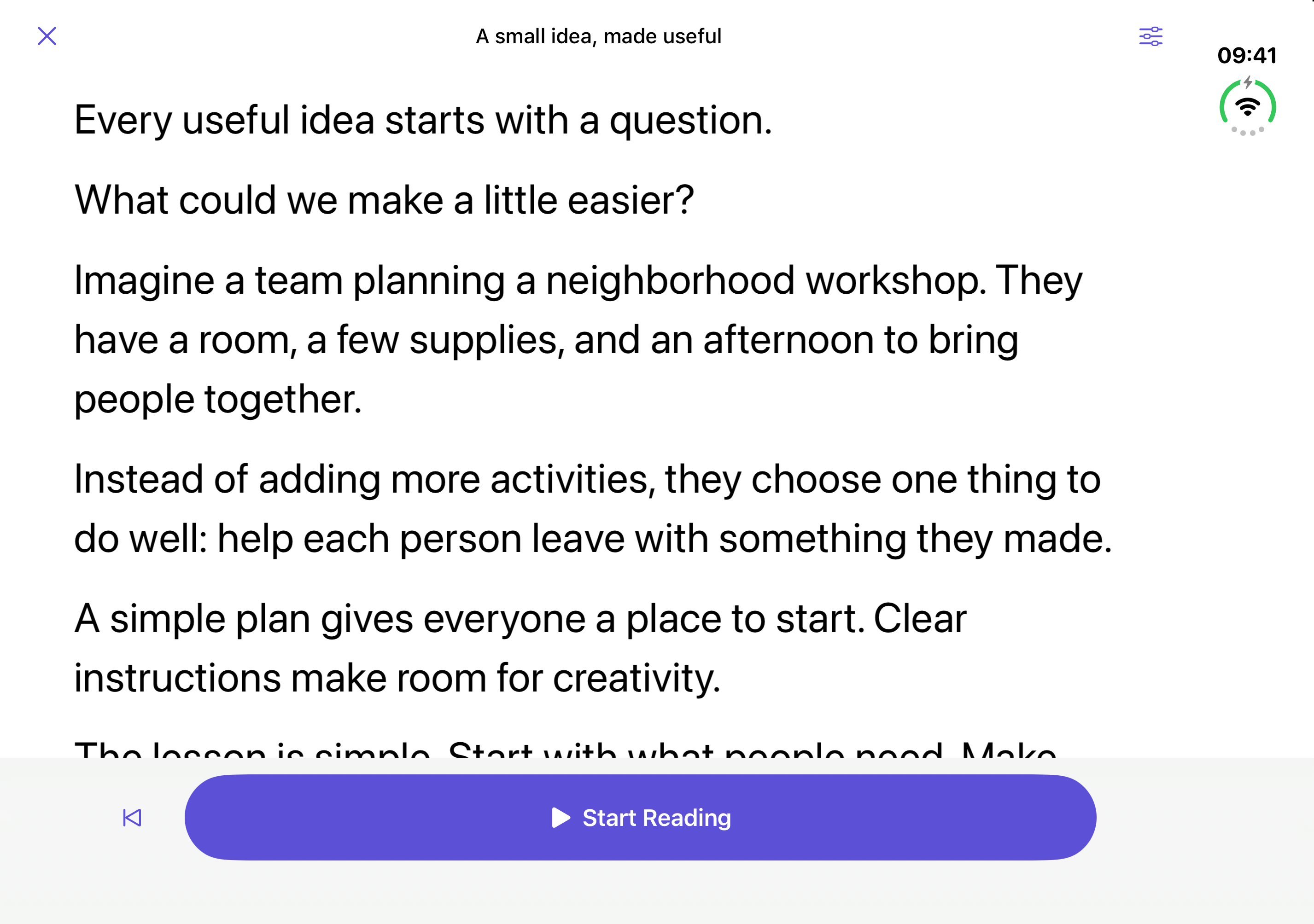
Write or import a script, then read it on iPhone or iPad. No Mac or internet connection needed.
Write, paste, or import TXT and Markdown files. Save them for offline reading.
Adjust text size and scroll speed. Start, pause, or go back to the beginning.
Pair over your local network to read your Mac’s live cues. Control scrolling on your phone, then resume following your Mac.
Mac Link is optional. The iPhone app reads your Mac’s AI answers; it doesn’t generate them on its own.
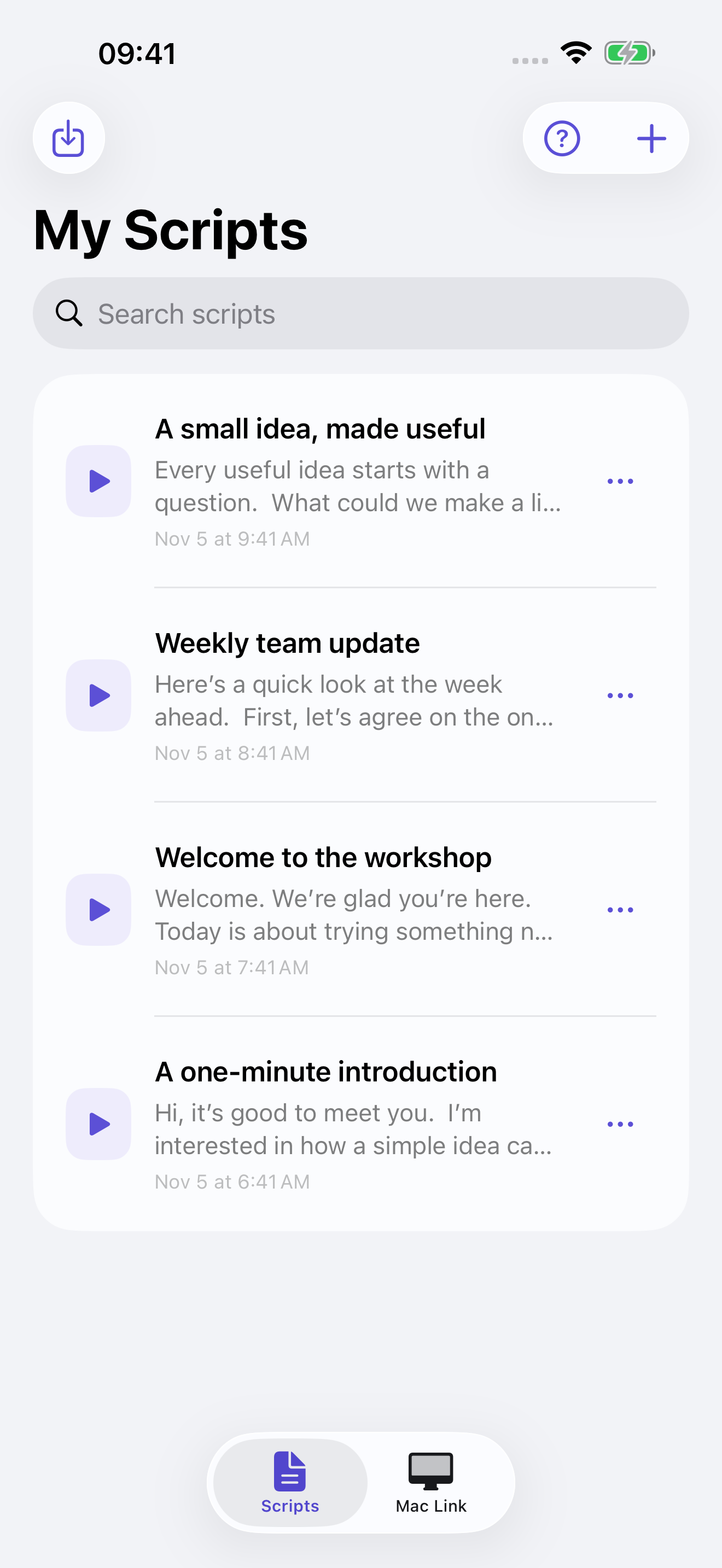
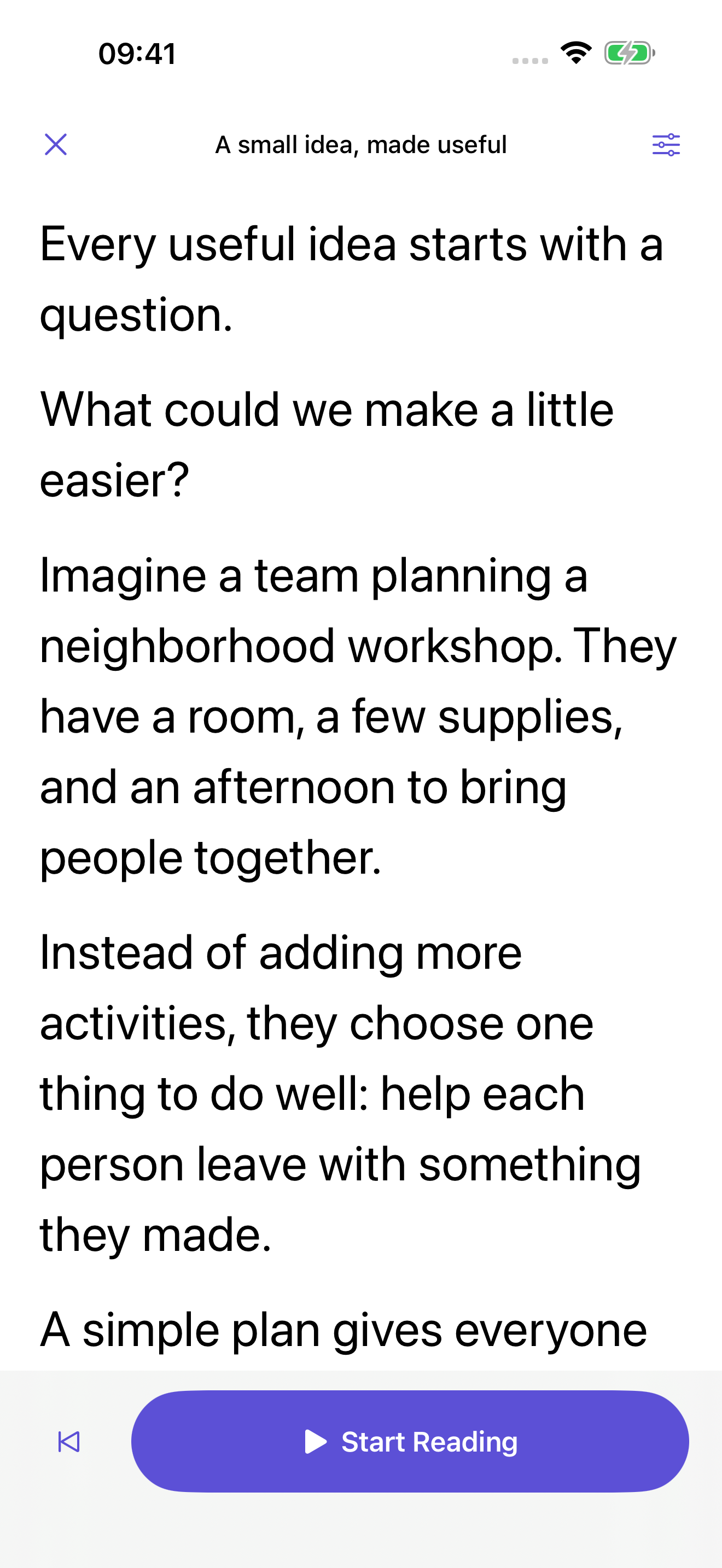
Keep your scripts close. Open iPhone Duo for a wider view when it’s time to read.
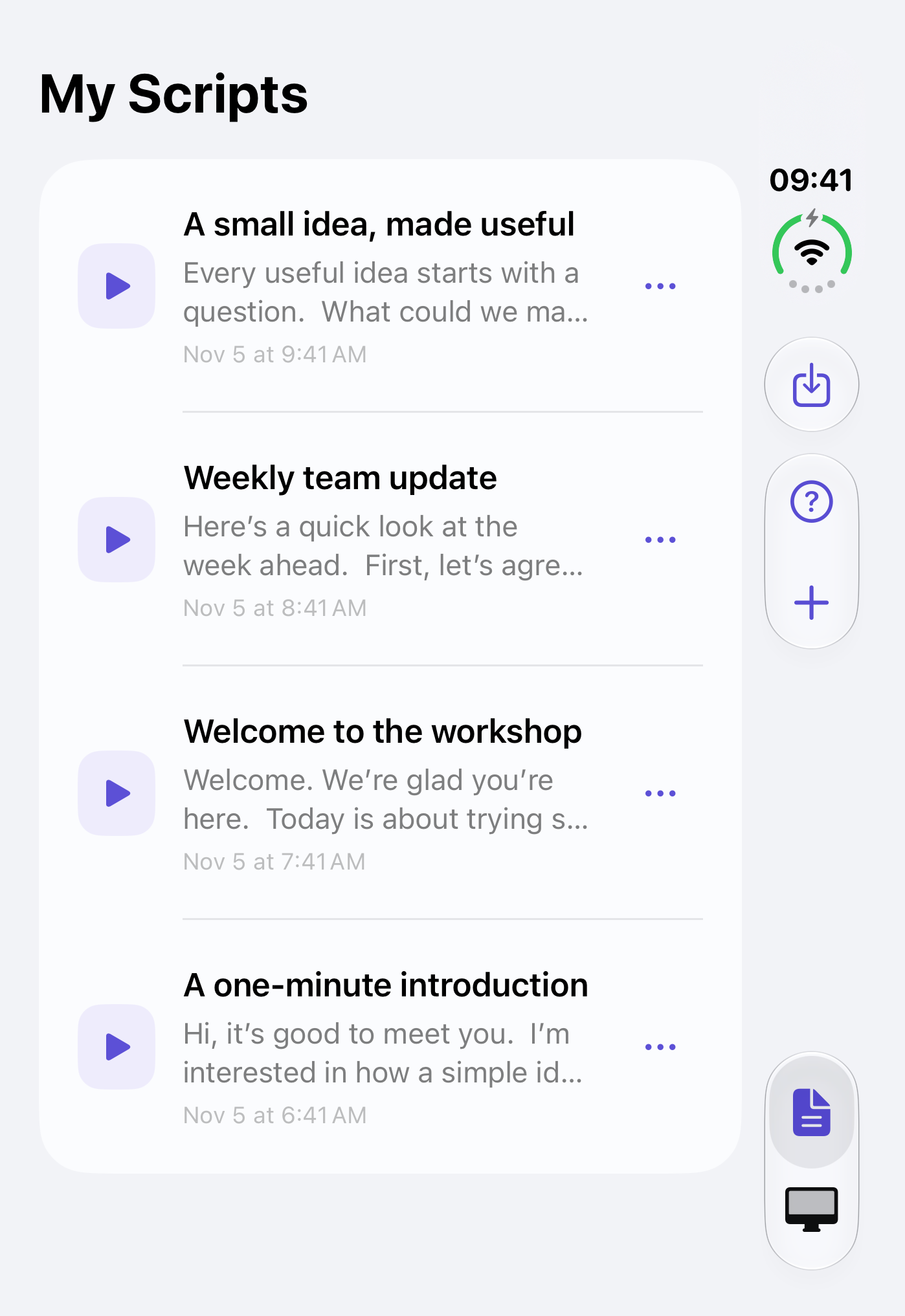
Your reference library and saved scripts stay on your devices. Mac Link connects over your local network, not through our servers.
On Mac, the questions and relevant context needed for an answer go to the AI service you authorize. Speech recognition is a separate choice.
The apps have no ads or analytics. This website has no analytics trackers or marketing cookies.
AI speaking cues, a local reference library, and saved conversations to review.
Contact usVersion 1.3.2 · Apple silicon · macOS 13+For Mac availability, contact us.Write, rehearse, and read scripts offline. Connect to your Mac when you want live cues.
Not yet on the App StoreiOS 17+ · English · 简体中文 · 繁體中文iPhone & iPad help →iPhone and iPad availability and pricing will be announced at launch. AI and cloud speech services are not included.
No. Create, import and read local scripts independently, even offline. Connecting a Mac is optional and adds its live questions and speaking cues to your screen.
Not on its own. AI answers come from the service connected to Tracy Talk on your Mac. Pair your iPhone to read those answers, or use it independently to read saved scripts offline.
No. On Mac, connect your own supported AI account or API credentials. Speech recognition is configured separately. Availability, limits and any provider charges depend on your selected services.
The Mac app is distributed directly, not through the Mac App Store. It requires Apple silicon and macOS 13 or later. See the Mac section above for availability. To update, quit the app and replace it with the new version; your local data stays in place.
Keep both devices on the same local Wi-Fi or personal hotspot. Open iPhone Teleprompter on Mac, enable the link, then scan its code from Mac Link on iPhone and confirm the Mac. You can also paste pairing information. Some office and guest networks block device-to-device connections.
Use Tracy Talk for preparation, practice, presentations and conversations where assistance is permitted. Follow the rules of your setting and obtain any consent needed before capturing audio. AI cues can be wrong; your own judgment and real experience come first.